
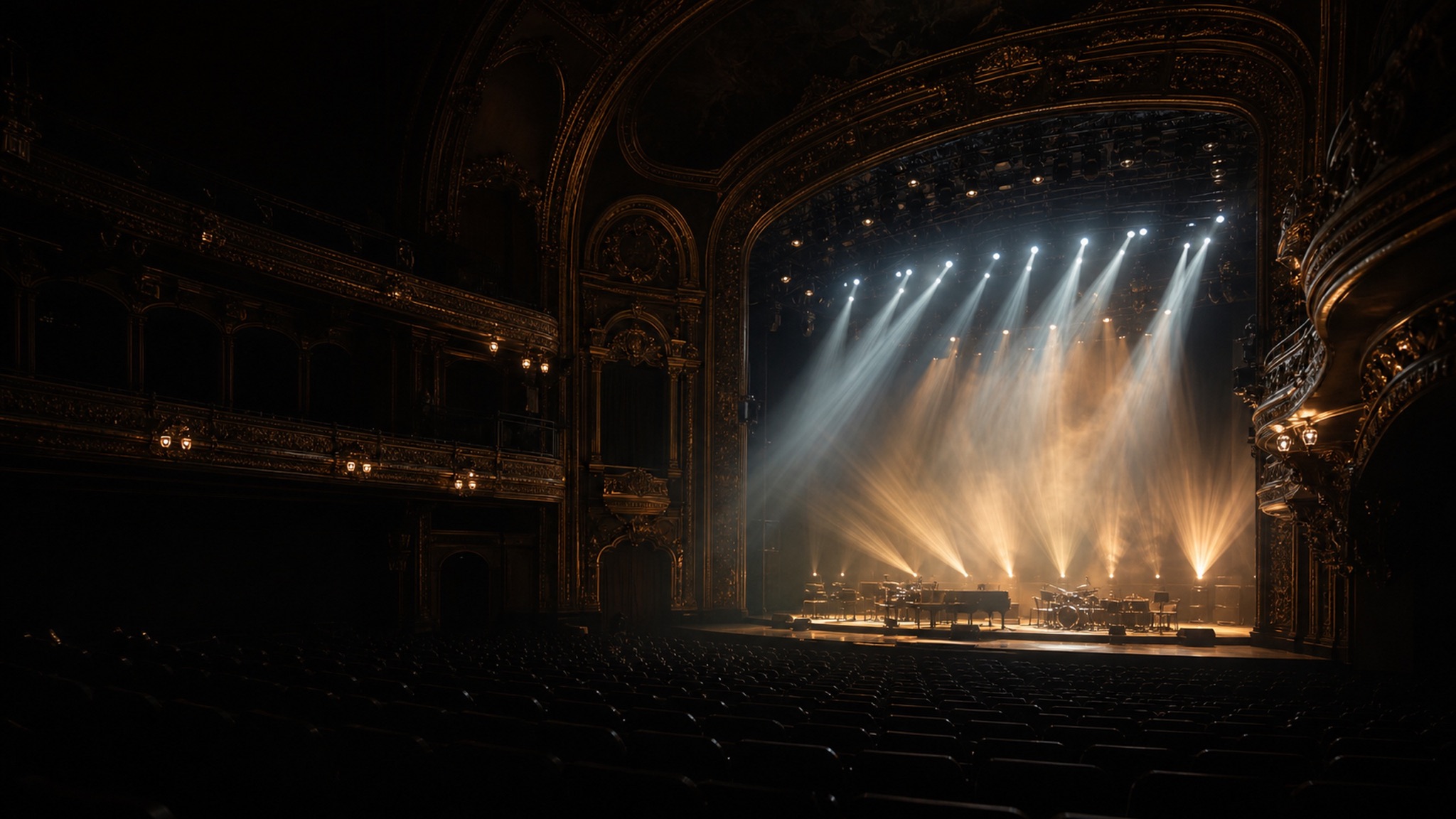
Theaters & concert halls
Every seat.
Every angle.
Theaters and concert halls want to stream ticketed performances and archive productions, but a full broadcast crew costs more than the house makes on the night. And an audience can see a clumsy camera move. A shot that snaps or hunts during a quiet passage breaks the performance.
The problem
Capture the show without a broadcast truck outside.
DeckCam recalls presets that glide to their mark on their own, so cameras move between cues without the audience noticing. Your tech lines up the next shot in PREVIEW and cuts or crossfades on the beat (wide of the stage, tight on a soloist, a balcony angle), all from one screen.
Stream ticketed performances to your platform of choice and ISO-record every camera so an editor can cut a clean archive or a highlight reel afterward. Layouts let you split the stage and a soloist for music, and it all runs from the booth PC.
What you'll use
The production tools that matter here.
Preset shots
Wide, soloist, balcony and box angles saved as shots, recalled without a hunting camera.
Preview / Live
Set the next shot unseen, then cut or dissolve exactly on the cue.
Crossfade
Dissolve between angles during a scene. No hard cut to break a quiet moment.
Layouts
Split-screen the full stage and a soloist, or picture-in-picture for music.
Record everything
ISO-record every camera so an editor cuts a clean archive or highlight reel later.
Stream anywhere
Stream ticketed or free performances to any RTMP platform.
Typical setup
A house rig
PTZ cameras at front-of-house, stage edge and the balcony feed the booth PC. Presets are set during tech so every shot lands on its mark; only the outgoing stream leaves the building.
- Front-of-house wide of the full stage
- Stage-edge close for soloists and dialogue
- Balcony or high angle for scale
- Box or side angle for depth
- Conductor / pit for musical productions
Pricing
Per venue. Never per camera.
Add every camera your room needs without adding cost. Streamer from $39/mo, Producer for composition and ISO recording, AI Director for auto-follow. Every plan starts with a 14-day free trial.
Questions, answered
Can it capture a live performance cleanly?
Yes. Presets move cameras to their marks on their own, and PREVIEW/LIVE switching keeps every move off-air until you cut, so the audience and the stream only see finished shots.
Will the camera moves be smooth during the show?
Cameras glide to saved presets rather than being joysticked live, and crossfades let you dissolve between angles so nothing snaps or hunts during a scene.
Can we get a multi-camera recording to edit later?
Yes. Producer records every camera in ISO alongside the program, so an editor can recut the show or build a highlight reel.
Can we stream ticketed events?
Yes. Stream to any RTMP platform, including paid or gated streaming services, for at-home audiences.
Does it work in low stage light?
DeckCam drives your cameras; image quality comes from the PTZ cameras you choose. Canon, Panasonic and Sony PTZ models handle stage lighting well. Ask us about the right pick for your house.
More venues