
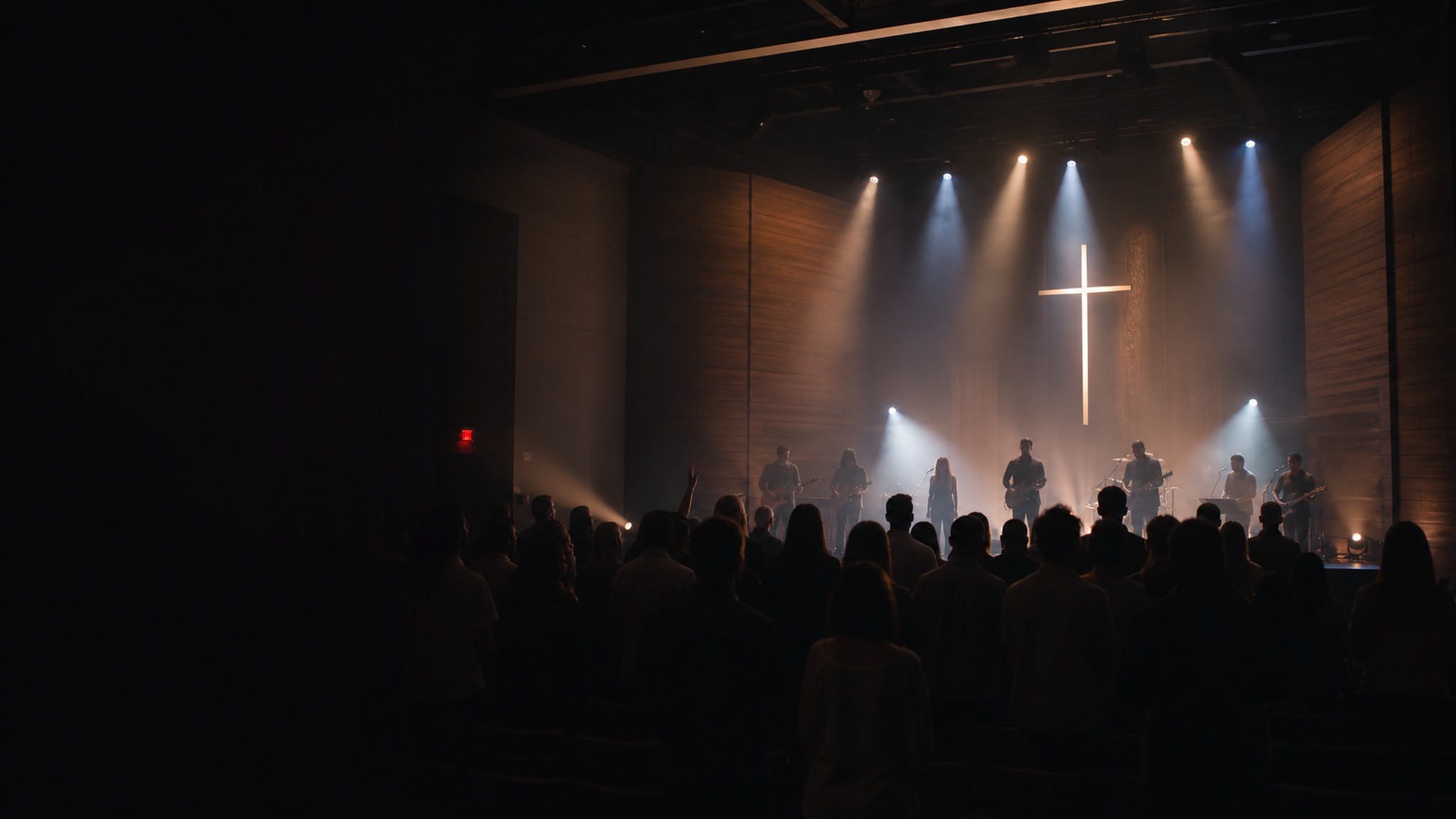
Houses of worship
Sunday service.
Broadcast quality.
Your church invested in PTZ cameras, but the stream still leans on one wide shot, because no volunteer can joystick five cameras while switching and streaming a live service. There are no do-overs on a Sunday. When the pastor moves to the pulpit, the choir stands, or someone's baptized, the shot has to already be there.
The problem
One volunteer. Five cameras. A service that can't stop.
DeckCam turns every camera into a saved preset shot: pulpit, lectern, choir, worship team, baptismal, a wide of the whole room. Your volunteer sees them all on one screen, taps the next shot into PREVIEW while the congregation keeps watching LIVE, then cuts. The camera glides to its mark on its own; the stream never sees the move.
Stream straight to YouTube and Facebook at the same time, record the full service and the sermon, and add AI auto-follow so a camera keeps the pastor framed as they cross the platform. It runs in a browser on the booth PC or an iPad. Sign in and go live.
What you'll use
The production tools that matter here.
Preset shots
Save pulpit, choir, worship and wide once. Your volunteer just taps the next one.
Preview / Live
Line up the next shot unseen, then cut it to air. Nothing goes live by accident mid-service.
Crossfade
Gentle dissolves between worship and the wide. No jarring cuts during a quiet moment.
Stream anywhere
Push to YouTube and Facebook at once, or your church's own streaming platform.
Record everything
Archive the whole service and pull the sermon for the podcast or sermon library.
AI auto-follow
Lock onto the pastor and the camera tracks them across the platform on its own.
Typical setup
A typical church rig
Most churches run three to five PTZ cameras into a venue PC on the same network. DeckCam drives the pan, tilt, zoom and presets over your own LAN; only the outgoing stream touches the internet.
- Rear wide: the whole platform and congregation
- Pulpit / lectern close-up for the sermon
- Worship team and choir
- Balcony or side angle for variety
- Baptismal or communion table when needed
Pricing
Per venue. Never per camera.
Add every camera your room needs without adding cost. Streamer from $39/mo, Producer for composition and ISO recording, AI Director for auto-follow. Every plan starts with a 14-day free trial.
Questions, answered
Can a volunteer with no broadcast training run it?
Yes. That's the whole point. The job is three moves: see every shot, tap what's next, hit CUT. Most volunteers are comfortable after one service.
Can we stream to YouTube and Facebook at the same time?
Yes. DeckCam streams to any RTMP destination (YouTube, Facebook, your church app or platform) and can push to more than one at once.
Can we record the sermon separately?
DeckCam records the full program, and Producer adds ISO recording of every camera, so you can pull a clean sermon shot for the podcast or sermon archive.
How many cameras do we need?
Even two cameras give you a real production. Because pricing is per venue, not per camera, you can add cameras (pulpit, choir, balcony) without paying more.
Which cameras are supported?
Canon, Panasonic and Sony PTZ cameras: the ones churches actually buy. Ask us about your specific models when you book a demo.
More venues