
Government & civic
Public meetings.
On the record.
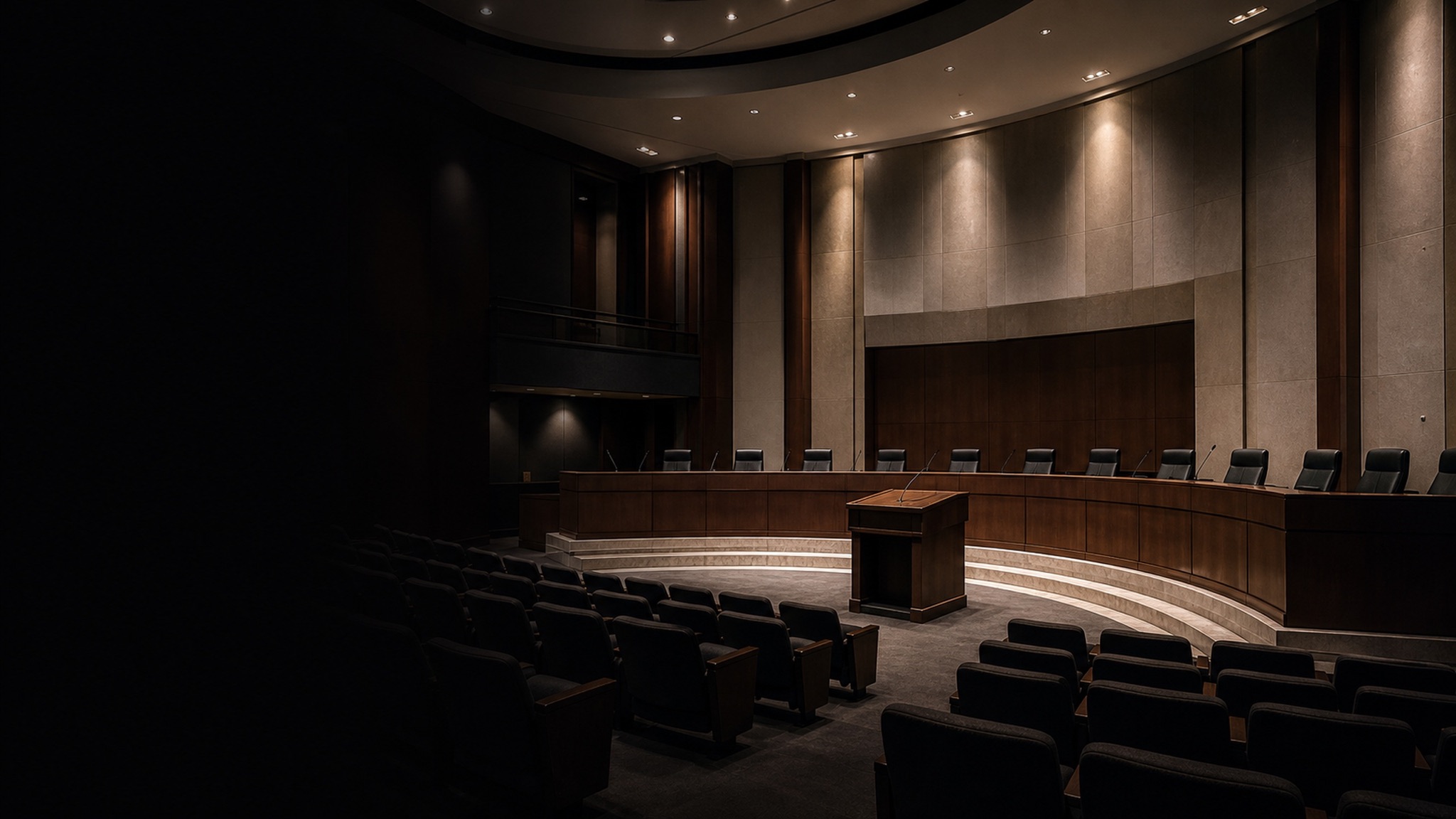
Councils and boards have to make meetings public and keep a record, but the clerk isn't a broadcaster. A single locked-off wide shot makes it impossible to see who's speaking, and switching between the dais, the podium and public comment by hand isn't realistic while running the meeting.
The problem
Open meetings you're required to broadcast, and archive.
DeckCam saves a preset for each seat at the dais, the podium and a room wide. The clerk taps whoever has the floor into PREVIEW and cuts. The active speaker is always on screen, with their name and the agenda item shown as a lower-third. No joysticks, no camera operator.
Stream to the platform residents already use and record the entire meeting for the public record and minutes. AI auto-follow can keep a speaker framed at the podium, and everything runs on the venue PC over your own network.
What you'll use
The production tools that matter here.
Preset shots
One preset per dais seat plus podium and wide. Recall the active speaker instantly.
Preview / Live
Line up the next speaker unseen and cut cleanly as the floor changes.
AI auto-follow
Keep a speaker framed at the podium without staffing a camera operator.
Media & titles
Show speaker names and agenda items as lower-thirds so viewers follow along.
Stream anywhere
Broadcast to your public-access channel, YouTube, or the platform you already use.
Record everything
Capture the full meeting for the public record, minutes and archive.
Typical setup
A chamber setup
PTZ cameras cover the dais, the podium and a room wide, feeding a venue PC. Name each preset for the seat or role so the clerk recalls the right speaker without hunting.
- Wide of the full chamber
- Podium / public-comment microphone
- Individual dais seats by name
- Chair or mayor position
- Presentation screen for agenda materials
Pricing
Per venue. Never per camera.
Add every camera your room needs without adding cost. Streamer from $39/mo, Producer for composition and ISO recording, AI Director for auto-follow. Every plan starts with a 14-day free trial.
Questions, answered
Can it help meet open-meeting and archive requirements?
DeckCam streams the meeting live and records the full session so you have a complete recording for the public record and minutes. Confirm your jurisdiction's specific retention rules with your clerk.
Who operates it during a meeting?
The clerk or a single staff member. Recalling the active speaker is one tap, and AI auto-follow can hold a speaker at the podium automatically.
Can we show speaker names and agenda items?
Yes. Title and media playback lets you put speaker names and agenda lower-thirds on screen so viewers know who has the floor.
Can we stream to our existing platform?
Yes. DeckCam sends to any RTMP destination: public-access, YouTube, Granicus-style ingests and more.
Does it record the entire meeting?
Yes. Program recording captures the full session; Producer adds per-camera ISO recording if you need every angle.