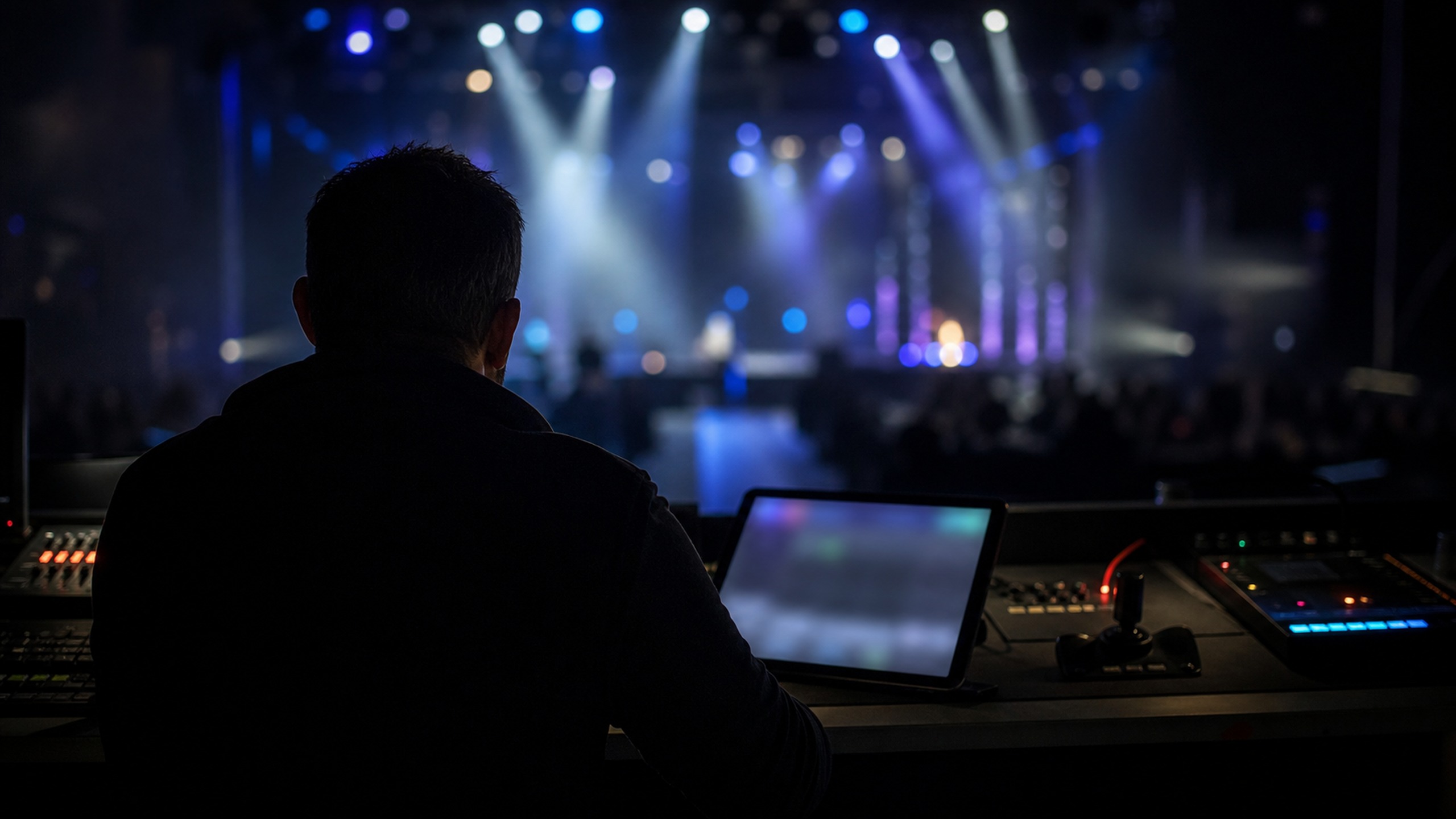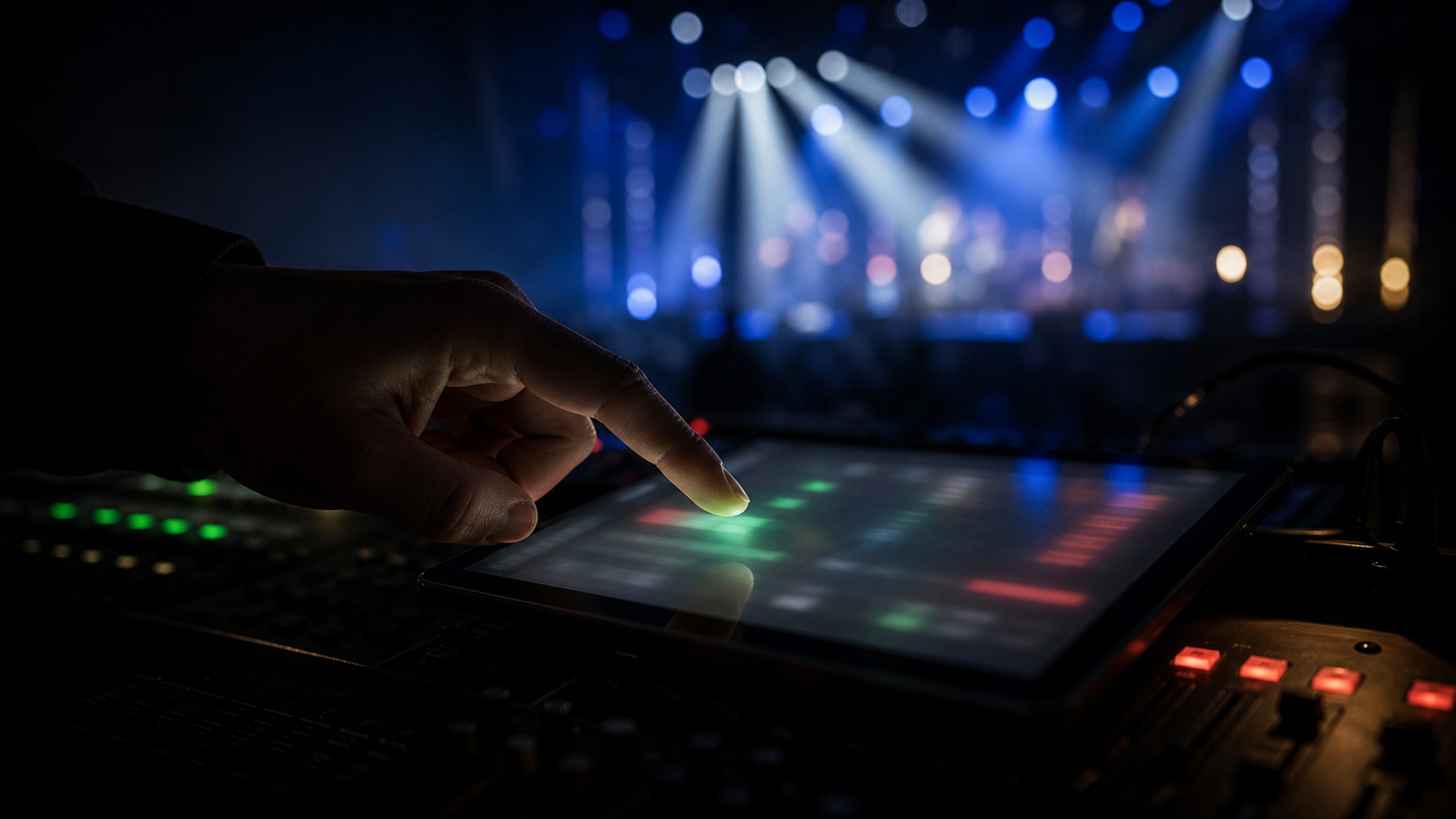
How it works
Broadcast workflow.
Zero broadcast training.
Scroll through a service, concert or session the way your operator will run it: four moves, start to finish.
Step 1
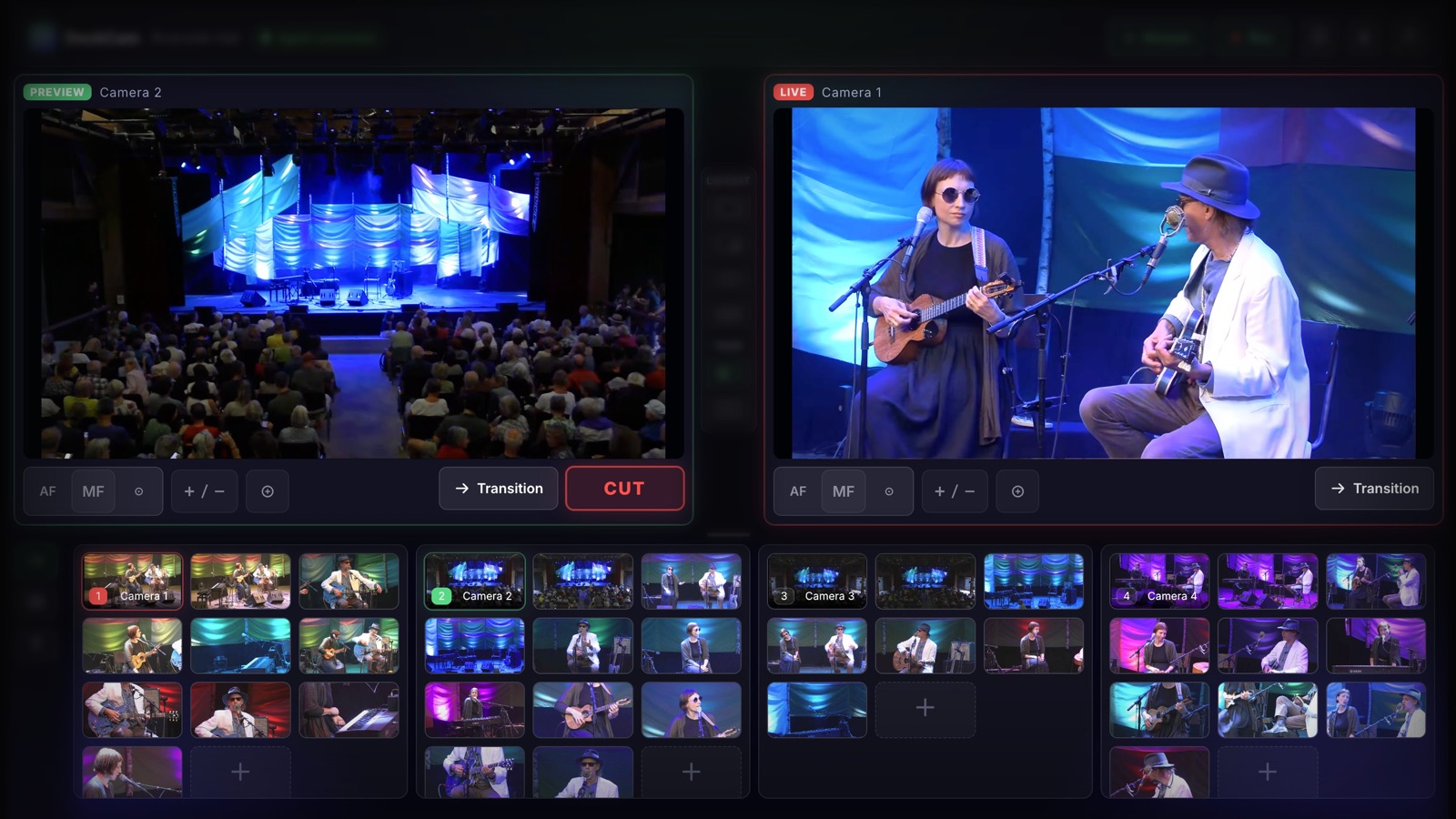
See the whole room
Every camera in a multiview strip, every saved shot as a thumbnail. No joysticks, no guessing what a camera is pointed at.
Step 2
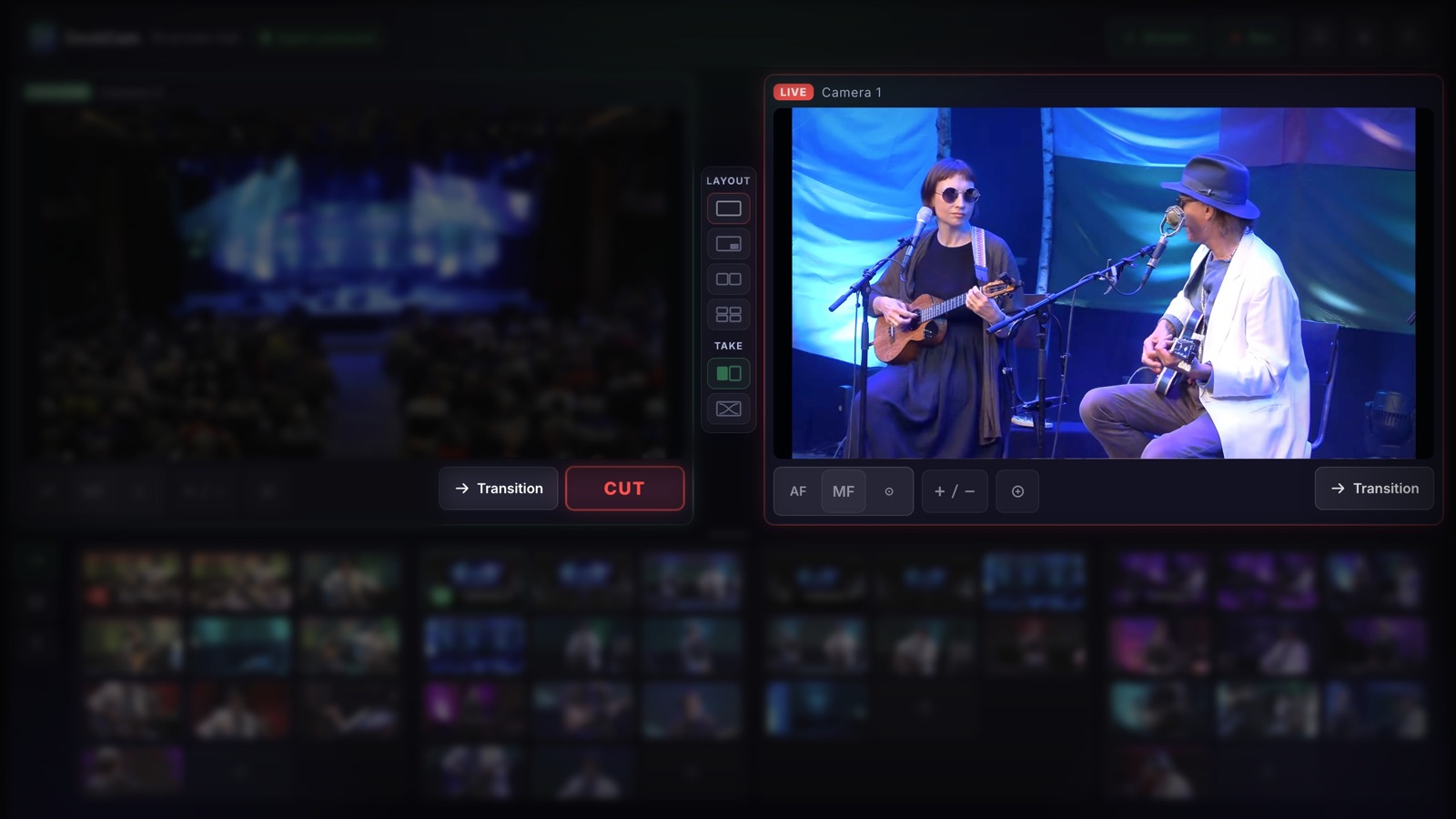
Tap the next shot
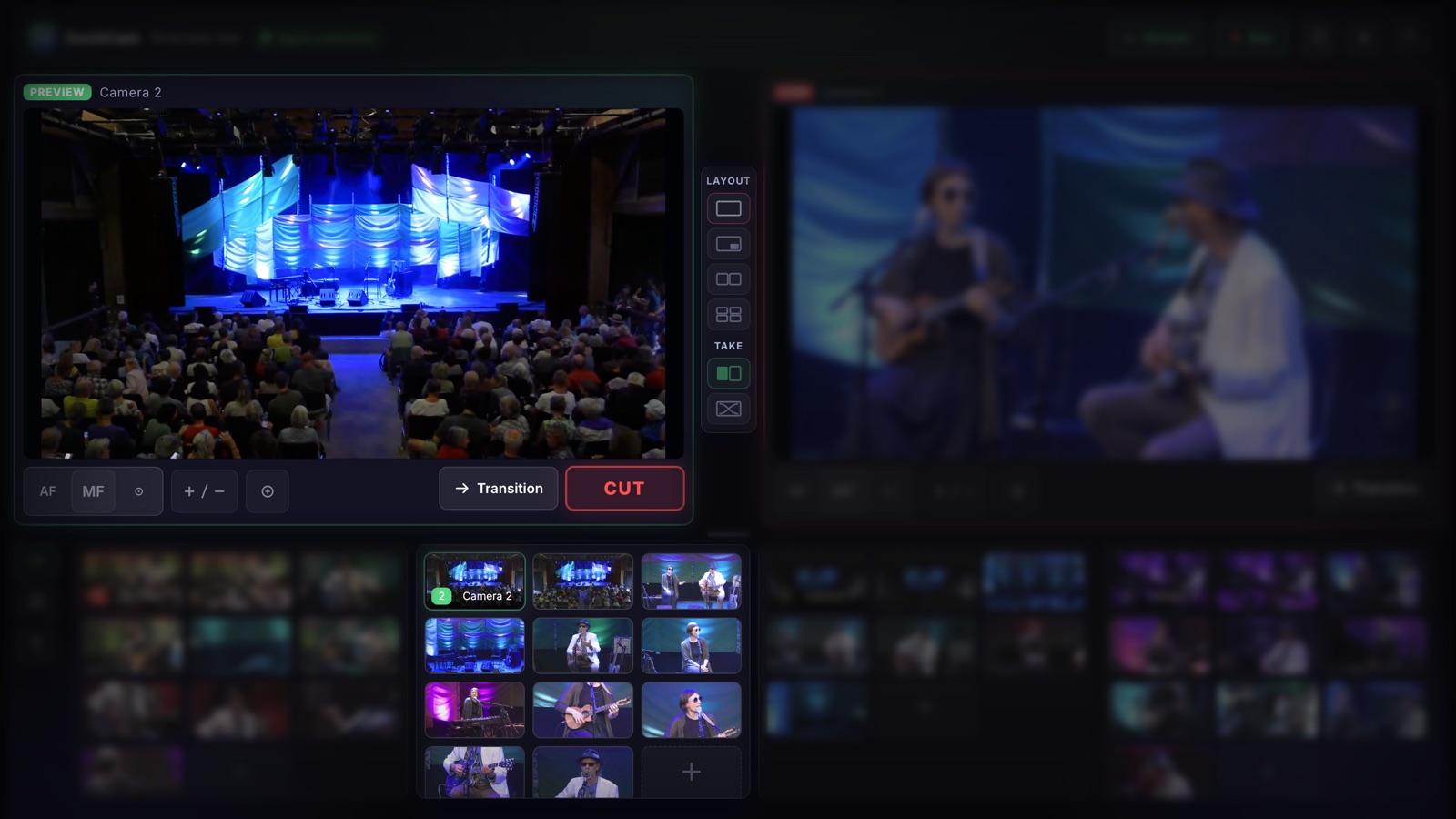
Tap a preset. The camera glides there on its own and lands in PREVIEW. The audience never sees the move.
Step 3
Cut or crossfade
One button swaps PREVIEW to LIVE. Clean cut or smooth crossfade, or compose picture-in-picture, side-by-side, quad.
Step 4
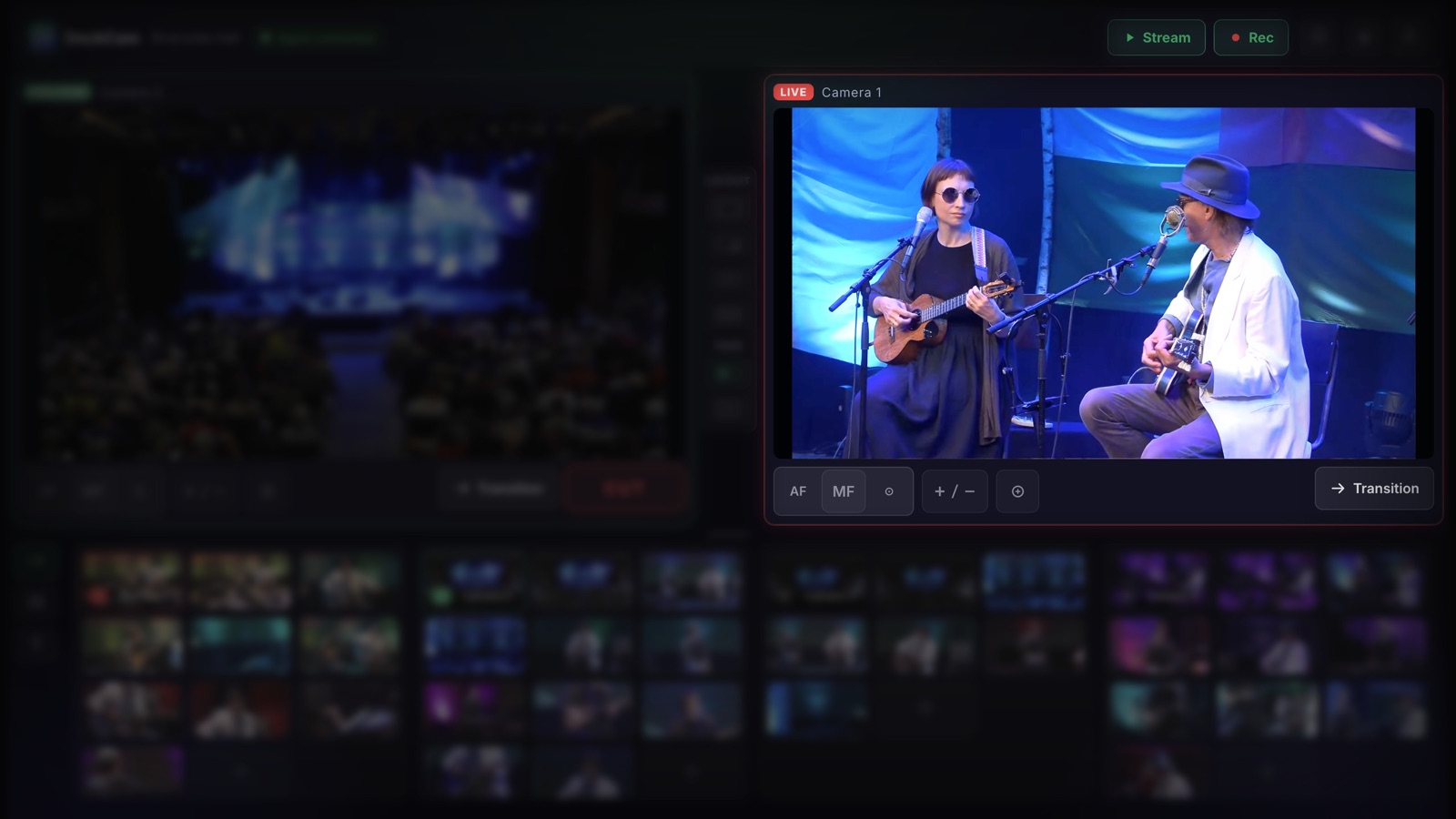
Stream and record
The program feed streams to YouTube, Facebook or any RTMP destination, while DeckCam records the program and each camera as ISO files.
Under the hood
Cloud managed. Venue local.
Video stays in the building
All realtime video runs on your venue's LAN: cameras to venue PC over NDI, no cloud round-trips, no added latency. The internet only carries your outgoing stream.
Setup is managed for you
Cameras, presets, outputs and licenses are configured in the cloud and synced to your venue automatically. Updates ship themselves. Remote support is one click away.
Any browser is a console
The operator screen runs on the venue PC or an iPad. It's a web app. Install nothing at the desk, sign in and go live.
AI Director add-on
The AI runs in the room.
AI Director keeps a moving speaker framed without anyone on the camera. It runs on the venue PC, on your own network, not in someone else's cloud.
It moves the camera, not the picture
No cropping a wide shot and calling it a close-up. AI Director aims the camera itself, so what goes out is a real camera move at full resolution.
It watches inside the building
The AI reads a preview feed on your own network and sends aim commands back to the camera. Nothing is uploaded, nothing is processed by an outside service, nothing is kept by anyone else.
The operator stays in charge
Lock onto a lecturer, a council member or a soloist and the camera follows them. Take back manual control or recall a preset at any time and the follow releases.
Why running it at the edge matters
A slow uplink can't break it
Tracking never touches the internet. A capped or congested connection changes nothing about how the camera follows. Your outgoing stream is the only thing using bandwidth.
It survives an IT review
A campus, a council chamber or a corporate venue can run it in rooms where sending footage of people to a third-party service would never be signed off.
Flat price, never metered
$29/mo on any plan. No per-minute processing fees and no usage tiers. A four-hour meeting costs the same as a ten-minute one.